
Meeting notes, on the record

A 55-minute call, closed in 4 minutes: decisions, owners, dates.

Paste a transcript, a meeting-tool export, or the notes you typed during the call. Minutebook returns a three-sentence summary, the decisions as they were decided, and every action item with an owner and a due date. The ones missing either get stamped and flagged — never quietly guessed.

First recap free · unowned items flagged, not smoothed over · no card required

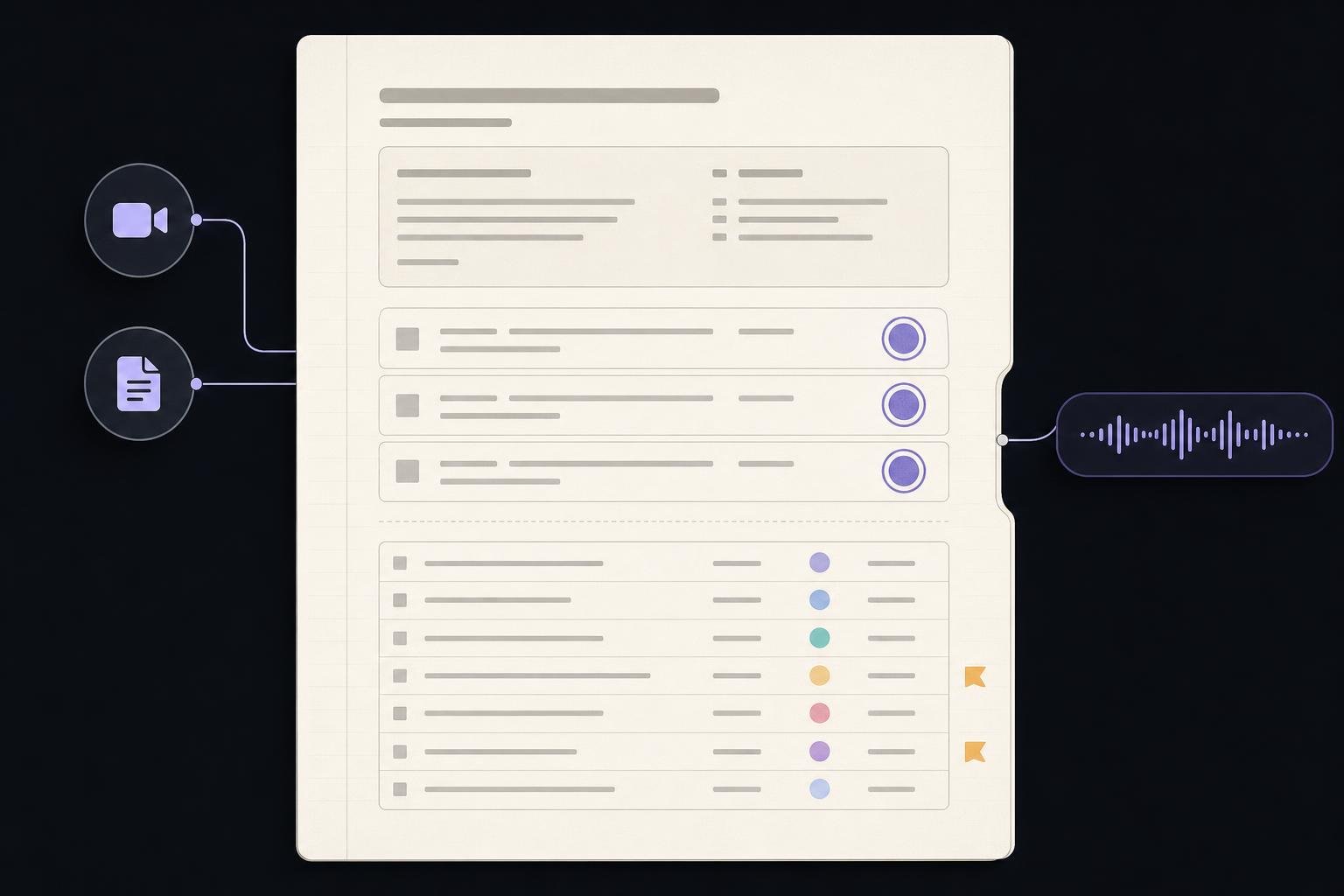
Editorial illustration of an open graphite minute book beside a pasted meeting transcript, decisions ruled in violet and action items initialled by their owners.
Fig. 01 — the record, mid-session3 decisions · 7 owned items

Minutebook works across

Zoom
Google Meet
Microsoft Teams
Notion
Google Docs
Typed notes

Every source arrives the same way: pasted as plain text. No bot joins your call and there is nothing to connect.

What you receive

One record: what was decided, then who owes what by when.

A Q3 launch go/no-go: 55 minutes in, 4 minutes out.

GO for Sept 9 — 3 decisions, 7 action items Aug 27, 2026 · pasted transcript

Summary

The Q3 launch is a GO for September 9, with the build agreed feature-complete. Paid acquisition holds a week so the pricing page ships inside the launch train.

Action items · 4 of 7 shown

RefAction itemOwnerDue
01Pricing-page copy reviewDanaFri · at risk
03Pricing page into the launch trainMarcusSep 4
06Press-kit reviewJulesNo due date
07Q2 churn analysisDanaNo due date

How it works

Three steps, then it's on the record.

01Paste it in

A transcript export, the notes you typed while half-listening, or a rough dictation on the walk back. Plain text is the entire integration.

02It reads for commitments

Summary, decisions, and every "I'll do X by Y" come out as separate sections. Each item is matched to the person who said it and the date they said.

03The record closes

You get the recap as the run's report, filed to your archive, ending with the single item most likely to slip — named, owned, dated.

Inside every record

Three things a recap is actually for.

Owners, or it didn't happen

An item with no name or no date is stamped, not tidied away. Two of the seven above carry that stamp — which is exactly the point of reading it.

Decisions kept apart from talk

What was decided gets its own numbered section, separate from what was merely discussed. Next week's "wait, did we agree?" has a line to point at.

Four minutes, not an hour

The 55-minute call above was filed in four. The record goes out while people still remember agreeing to things.

Who keeps this

Written by the chief of staff who used to do it at midnight.

MI
Twin Labs · Ops desk

Structuring meeting outcomes since 2025.

I was the person who turned an hour of talking into ten lines people would actually read. Only two of those lines ever mattered: what we decided, and who owes what by when. Minutebook writes exactly those two, and it writes them before the room has emptied.

Pricing

Start on the free record. Pay once it becomes the habit.

One run is one complete record: summary, decisions, and the full owned action list.

Turn a meeting transcript into a recap

Free Recap

$0.00

1 runs included · one time

Included plan · added automatically after verified sign-in

Sign in to start free

Card handled by Stripe · a failed recap is never counted against your runs · reply to any delivery email for support.

FAQ

The three fair objections.

Will it invent an owner it isn't sure about?

No. Minutebook only assigns what the transcript actually says — "Dana will review by Friday" becomes an owned item with a date. Anything ambiguous is flagged as unowned instead of guessed, which is why two items in the sample record above carry no due date rather than a plausible-looking one.

Do I have to connect my meeting tool?

No. There is no bot to invite and no calendar to authorise. You paste text into Minutebook — a transcript export, typed notes, or a rough dictation — and the record comes back. That is the whole setup, which is why the first one can be free.

What is kept after the recap is written?

The record itself: Minutebook files each recap on your dashboard so you can go back to what was decided weeks later. You can clear past results from settings at any time.

Your first record is free.

Paste the last meeting you already had. Read what Minutebook files before you pay for anything.

Recap my last meeting

One paste · minutes to a record · no card required